
























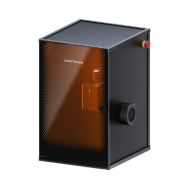


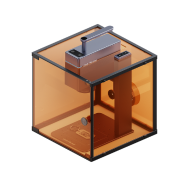
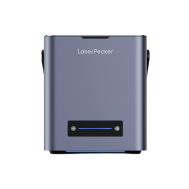


Souhaitez-vous apprendre à découper le bois au laser de manière sûre et efficace à la maison ou dans un atelier ?
Dans ce guide, nous explorerons les notions essentielles de la découpe laser du bois, en abordant tout, du fonctionnement du processus à la manière de commencer votre premier projet. Que vous soyez un créateur amateur, un vendeur sur une plateforme de type Etsy ou un utilisateur d’atelier en Europe, ce tutoriel vous aidera à vous lancer dans la découpe laser en toute confiance.
Nous présenterons également une étude de cas pratique consacrée à la fabrication d’une lampe en bois découpée au laser, en montrant comment réaliser un projet décoratif en cinq étapes simples.

Dans cet article :
- Partie 1 : Présentation de la découpe laser du bois
- 1.1 Qu’est-ce que la découpe laser du bois ?
- 1.2 Comment fonctionne la découpe laser sur le bois ?
- 1.3 Qu’est-ce qu’une machine de découpe laser du bois ?
- Étude de cas : Fabriquez une lampe en bois découpée au laser en 5 étapes 💡
- FAQ : Questions fréquentes sur la découpe laser du bois
Partie 1 : Présentation de la découpe laser du bois
1.1 Qu’est-ce que la découpe laser du bois ?
La découpe laser du bois, parfois appelée découpe du bois au laser, est une méthode moderne de fabrication utilisée pour créer des formes précises, des lettrages, des éléments décoratifs et des pièces structurelles à partir de matériaux en bois.
Comparée aux méthodes traditionnelles de découpe du bois, la découpe laser permet aux créateurs d’obtenir des finitions plus nettes et une meilleure précision tout en réduisant l’effort manuel.
Dans toute l’Europe, cette technologie est largement utilisée par les créateurs amateurs, les vendeurs sur des plateformes de type Etsy, les enseignants et les utilisateurs de petits ateliers qui souhaitent obtenir des résultats fiables pour leurs projets de travail du bois personnalisés.
1.2 Comment le laser découpe-t-il le bois ?
Le bois peut être découpé efficacement grâce à la technologie laser.
La découpe laser fonctionne en concentrant un faisceau à haute énergie sur la surface du bois. Le matériau est retiré le long du tracé programmé lorsque le laser chauffe et vaporise la couche superficielle, produisant des coupes lisses et précises.
Comme le processus est contrôlé par logiciel :
- les motifs détaillés peuvent être reproduits avec précision
- la production en série devient plus facile
- les agencements complexes sont plus simples qu’avec de nombreuses méthodes conventionnelles de découpe du bois
Comparée aux méthodes de découpe manuelles, la découpe laser offre :
- bords lisses
- largeur de saignée réduite
- qualité de coupe constante
- excellentes performances pour le travail décoratif et personnalisé du bois
Pour de nombreux utilisateurs européens d’ateliers à domicile et créateurs en studio, les découpeuses laser de bureau compactes sont particulièrement attrayantes grâce à leur polyvalence et à leur compatibilité avec des dispositifs de sécurité de type Classe 1 fermés, disponibles sur certains modèles.

1.3 Qu’est-ce qu’une machine de découpe laser du bois ?
Une machine de découpe laser du bois est un outil spécialisé conçu pour découper et graver des matériaux en bois à l’aide d’une énergie laser contrôlée.
Les types de machines courants comprennent :
- machines de découpe laser à diode
- graveurs laser CO₂
- graveurs laser à fibre
De nombreux débutants partout en Europe se demandent :
"Quelle découpeuse laser est la meilleure pour les projets en bois ?"
ou
"Quelle machine choisir pour découper du bois ?"
La réponse dépend largement de l’ampleur du projet et des exigences de l’espace de travail.
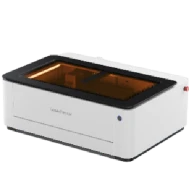
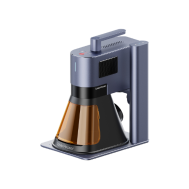
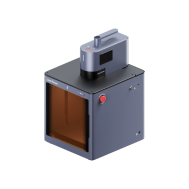
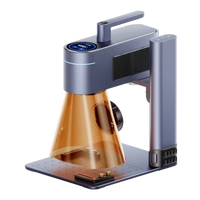
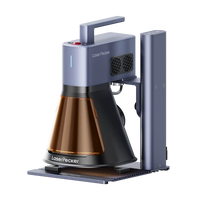
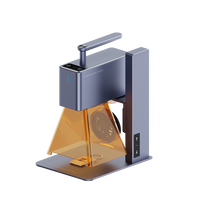
Pour les studios à domicile et les petits ateliers créatifs de l’UE, les machines de découpe laser à diode telles que les LP4, LP5 et LX2 sont souvent privilégiées. Ces machines sont réputées pour être :
- adaptées aux débutants
- suffisamment compactes pour une utilisation sur bureau
- plus abordables que de nombreux outils de découpe alternatifs
- adaptées à un large éventail d’applications de création en bois
Pour les utilisateurs travaillant avec des panneaux de bois plus grands ou des plaques de bois plus épaisses, la LX2 offre une flexibilité supplémentaire grâce à sa zone de travail de 500 × 305 mm, permettant de traiter des motifs plus grands en une seule installation et de réduire le nombre de repositionnements. Sa compatibilité avec des modules diode plus puissants permet également une découpe plus profonde en un seul passage, ce qui la rend particulièrement adaptée aux panneaux de signalétique, aux panneaux décoratifs superposés et à la production de petites séries d’articles en bois dans les ateliers à domicile au Royaume-Uni.
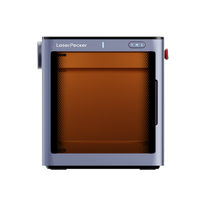
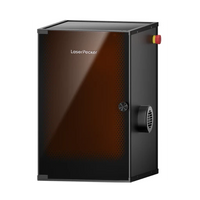
Certains modèles prennent également en charge un fonctionnement avec enceinte, ce qui contribue à améliorer la sécurité de l’espace de travail lors d’une utilisation en intérieur.

💡 Étude de cas : fabriquez une lampe en bois découpée au laser en 5 étapes
Un projet de lampe en bois découpée au laser est un excellent exemple, accessible aux débutants, de la manière dont la découpe laser du bois peut être utilisée dans les studios à domicile et les petits ateliers créatifs partout en Europe.
Liste de contrôle pour la préparation de la découpe laser du bois
Avant de commencer votre projet, préparez les éléments suivants :
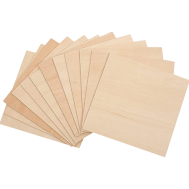
- Matériau de découpe : plaque de contreplaqué de 3 mm
- Machine de découpe : découpeuse laser à diode
- Motif de découpe : formes décoratives, lettrage ou mises en page personnalisées
Avec une configuration appropriée, un petit projet décoratif comme celui-ci peut généralement être réalisé en quelques minutes à l’aide d’une découpeuse laser de bureau.
Suivez les cinq étapes ci-dessous pour créer votre propre lampe en bois découpée au laser.
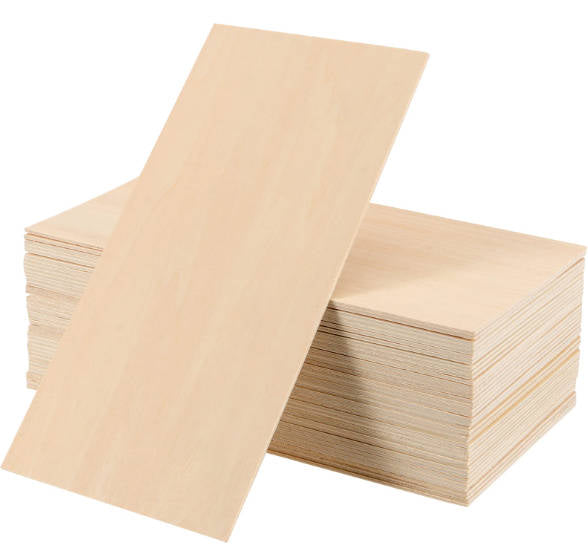
Étape 1 : Choisir votre matériau – Plaque de contreplaqué
Choisir le bon matériau en bois contribue à garantir des bords de découpe nets et des résultats de gravure réguliers.
Les différents types de bois nécessitent des réglages différents. Vérifiez donc toujours que votre plaque de contreplaqué est adaptée et compatible avec la découpe laser avant de commencer.
Pour cet exemple de tutoriel, nous utiliserons une plaque de contreplaqué de 3 mm, facilement disponible dans les magasins de bricolage européens et offrant de bonnes performances pour les projets d’éclairage décoratif.
Étape 2 : Choisir la bonne machine de découpe laser pour le bois
Le choix de la machine appropriée améliore à la fois l’efficacité et la précision de la découpe.
Pour ce projet, le LaserPecker 4 (LP4) est une option fiable pour les applications de découpe laser du bois sur bureau, dans les studios à domicile et les petits ateliers de l’UE.
Les autres options comprennent :
- LP5, qui prend en charge la découpe du bois et le gaufrage du bois
- LaserPecker LX2, disponible avec des options de puissance laser à diode de 20 W / 40 W / 60 W pour découper des matériaux en bois plus épais et réaliser des projets de plus grand format
Pour de nombreux utilisateurs de l’UE travaillant dans des environnements résidentiels ou des ateliers partagés, les configurations fermées disponibles sur certains modèles peuvent contribuer à une utilisation intérieure plus sûre.
Étape 3 : Préparer votre motif de découpe
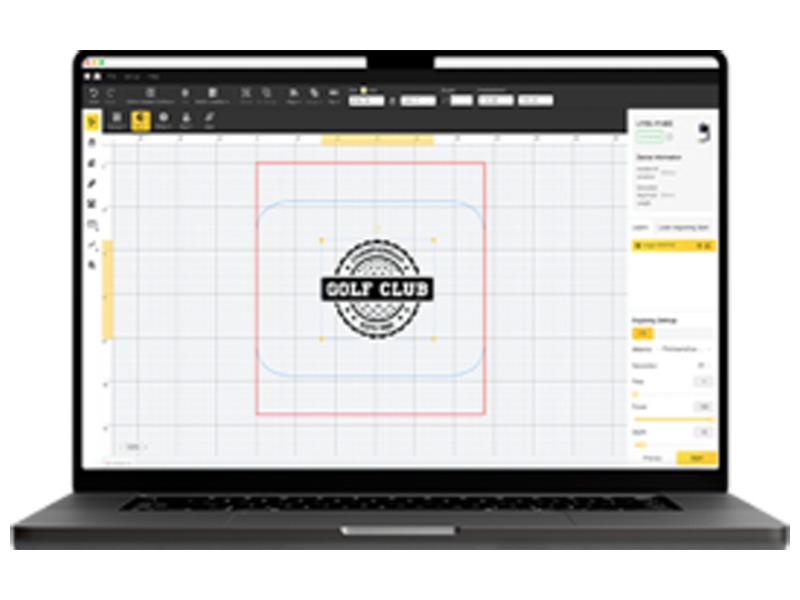
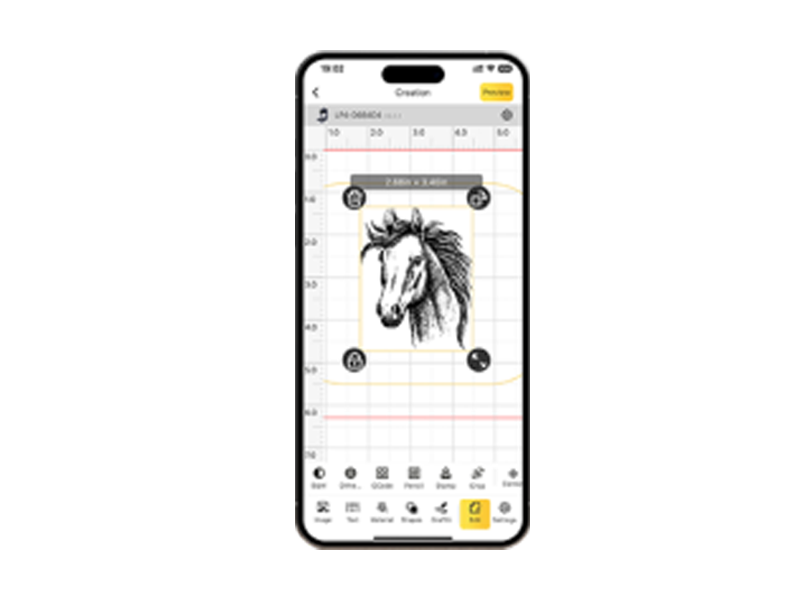
Utilisez l’application/logiciel de conception graphique LaserPecker ou des outils de conception tiers tels que Photoshop pour préparer le motif de votre lampe.
Avant de commencer le processus de découpe :
- confirmer les dimensions du motif
- ajuster le positionnement de la mise en page
- prévisualiser le tracé de découpe
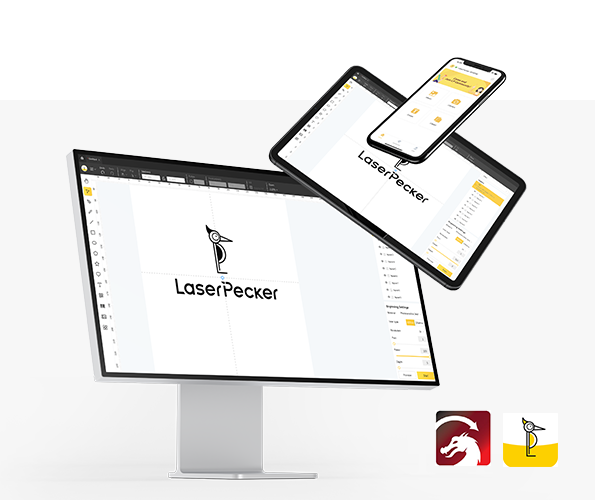
Si vous préférez les modèles prêts à l’emploi, vous pouvez consulter LaserPecker CraftZone pour trouver l’inspiration ou acheter des fichiers de découpe laser du bois en ligne pour préparer votre projet plus rapidement.
Étape 4 : Configurer la machine de découpe laser du bois
Préparez votre machine en suivant les étapes de configuration ci-dessous :
Premièrement, allumez votre découpeuse laser et connectez-la via :
- Wi-Fi
- USB
- Bluetooth
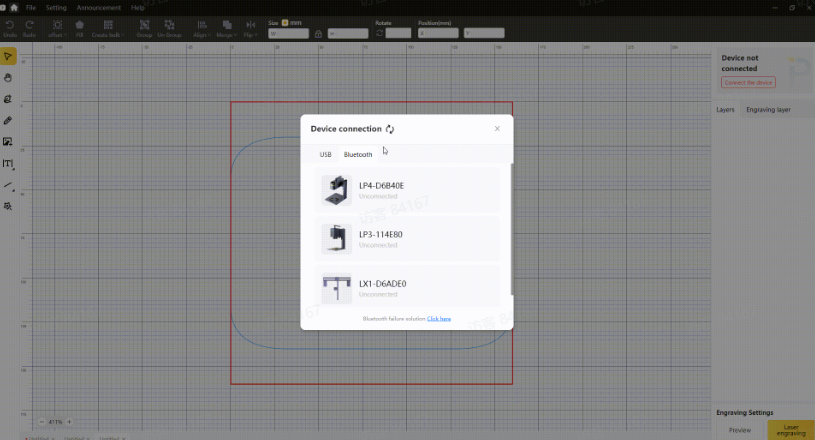
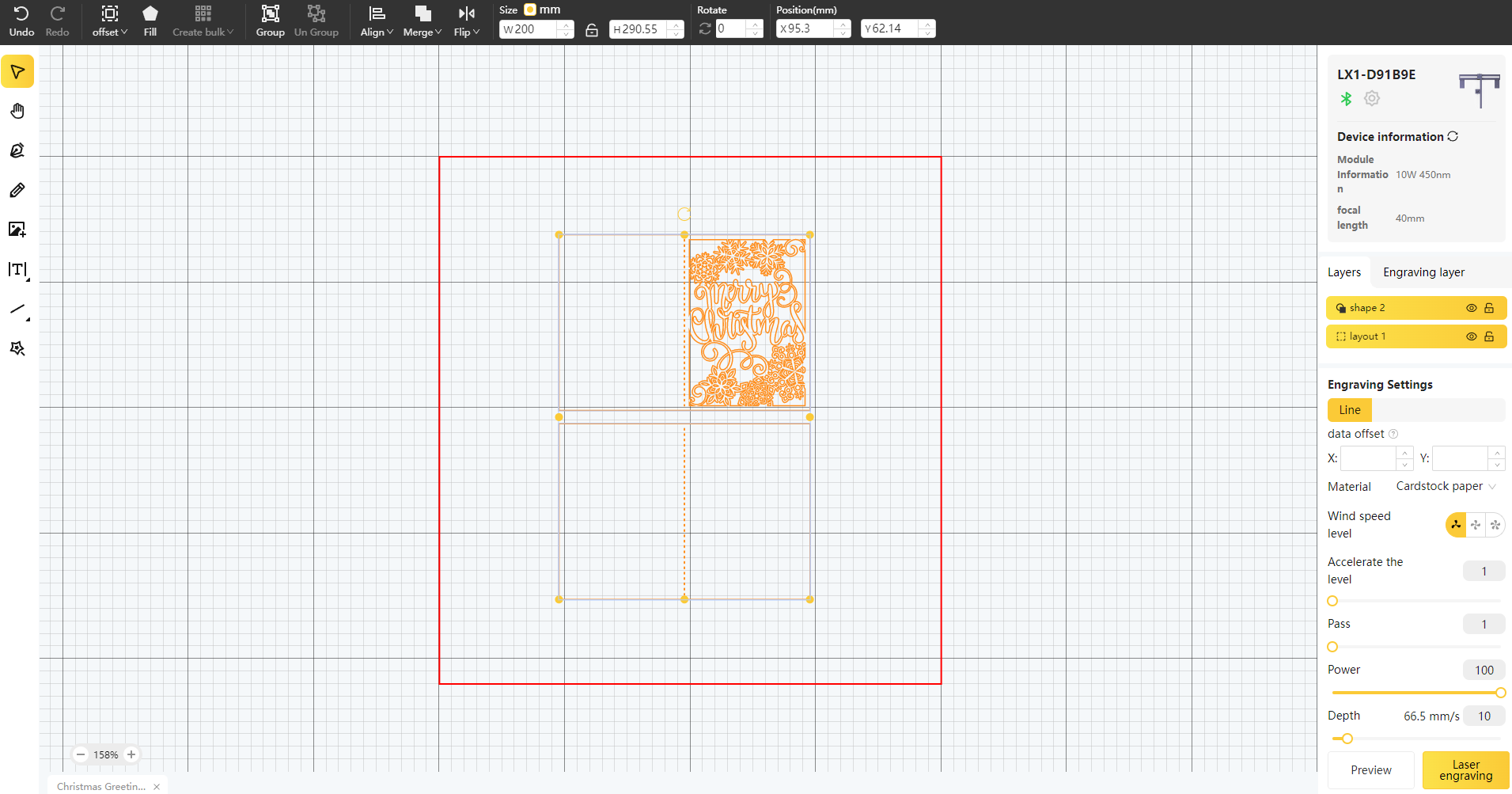
Deuxièmement, ouvrez LaserPecker Design Space et importez votre fichier
Les formats pris en charge comprennent :
- JPG
- PNG
- SVG
- G-Code
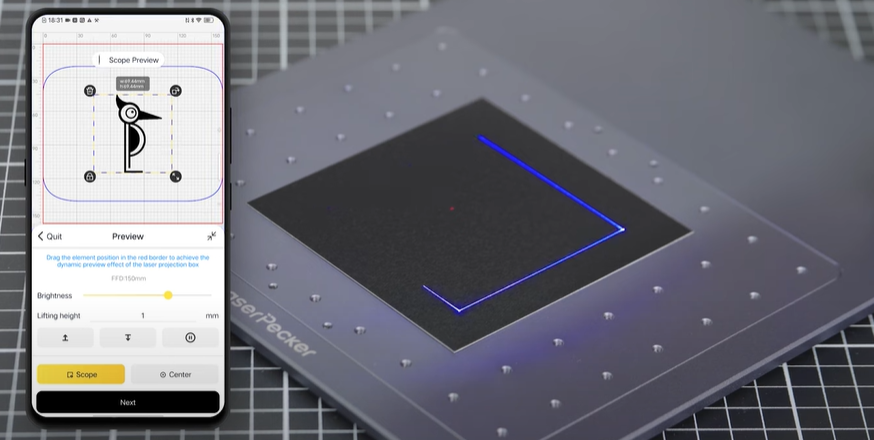
Troisièmement, placez la plaque de contreplaqué dans la zone de travail et activez le mode Aperçu pour vérifier le positionnement et la mise au point.
Quatrièmement, ajustez le positionnement si nécessaire afin de l’adapter aux dimensions du matériau.
Enfin, configurez les paramètres de découpe en fonction de l’épaisseur du matériau et de la complexité du design.
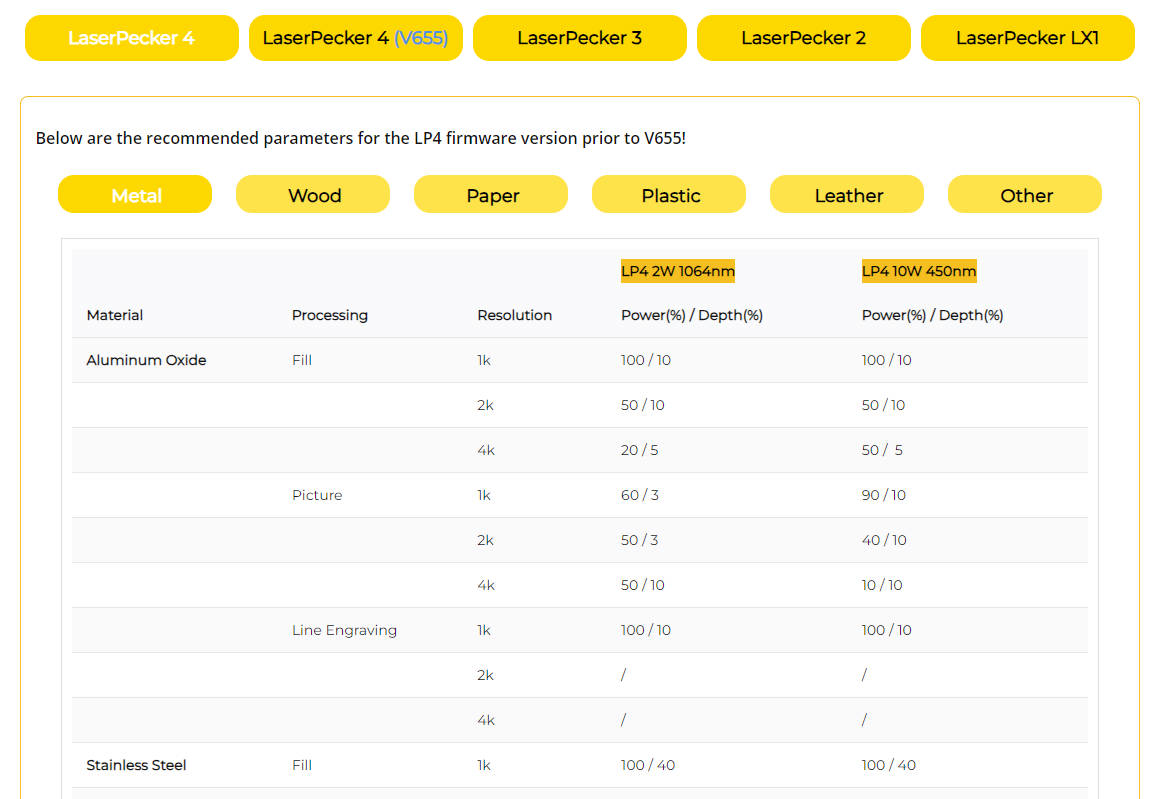
Les paramètres recommandés de gravure et de découpe LaserPecker pour la découpe du bois avec la LP4 comprennent :
- laser diode de 10 W
- Résolution : 1k
- Puissance : 80 %
- Profondeur : 80 %
- Passages : 3
Ces tableaux de paramètres s’appliquent également à plusieurs machines, notamment LP1, LP2, LP3, LP4 et LP5.
Étape 5 : Commencer à découper le bois au laser
Avant de commencer le processus :
- confirmer le positionnement correct
- vérifier la mise au point
- vérifier les réglages des paramètres
Une fois prêt, commencez la découpe et surveillez le fonctionnement.
Pendant l’utilisation, il est recommandé de porter des lunettes de protection si la machine n’est pas utilisée avec un caisson.
Comme la gravure et la découpe du bois peuvent produire de la fumée ou des odeurs, de nombreux utilisateurs européens travaillant en intérieur utilisent leur machine avec un purificateur d’air afin de maintenir un environnement de travail plus propre

FAQ : Questions fréquentes sur la découpe laser du bois
Q1. Les débutants peuvent-ils commencer à découper du bois au laser dans un atelier à domicile en Europe ?
Oui. De nombreux makers débutants en Europe commencent avec des découpeuses laser à diode compactes, car elles prennent peu de place et conviennent aux petits ateliers créatifs. Les configurations fermées proposées sur certaines machines permettent également une utilisation intérieure plus sûre.
Q2. Quel bois convient le mieux aux projets de découpe laser ?
Les matériaux couramment utilisés dans les ateliers de l’UE comprennent :
- contreplaqué
- tilleul
- contreplaqué de bouleau
- contreplaqué de peuplier
Ces options offrent une qualité de découpe constante et sont largement disponibles auprès des fournisseurs européens de matériel de bricolage.
Q3. Quelle épaisseur de bois une découpeuse laser de bureau peut-elle prendre en charge ?
La plupart des découpeuses laser à diode de bureau peuvent découper :
- du contreplaqué de 3 mm facilement
- 5 à 10 mm avec plusieurs passes
- du tilleul plus épais avec des systèmes plus puissants tels que le LP5
La capacité de découpe dépend de la puissance de la machine et des réglages.
Q4. Une ventilation est-elle nécessaire pour découper du bois au laser en intérieur ?
Oui. La découpe laser du bois peut produire de la fumée et des odeurs pendant son fonctionnement.
De nombreux makers européens améliorent leurs conditions de travail en intérieur en :
- utiliser des enceintes de protection
- porter des lunettes de protection laser
- utiliser les machines avec un purificateur d’air
Ces solutions sont particulièrement utiles dans les ateliers résidentiels ou les espaces de makers partagés.
Q5. De quels logiciels ai-je besoin pour découper des designs en bois au laser ?
La plupart des découpeuses laser de bureau prennent en charge des plateformes de contrôle dédiées, telles que l’application ou le logiciel de conception graphique LaserPecker. Elles acceptent également les fichiers créés avec des outils tiers comme Photoshop ou des logiciels de conception vectorielle.
Q6. Puis-je acheter des fichiers de découpe laser prêts à l’emploi pour des projets en bois ?
Oui. De nombreux débutants en Europe choisissent d’acheter en ligne des fichiers de découpe laser pour le bois afin de gagner du temps de préparation. Des bibliothèques de modèles telles que LaserPecker CraftZone proposent des designs de projets prêts à l’emploi, adaptés à des objets décoratifs comme des lampes et des décorations murales.
Conclusion
En conclusion, la découpe laser du bois offre un moyen fiable et flexible de produire des designs en bois détaillés et des composants fonctionnels aux bords lisses et aux détails précis.
Dans toute l’Europe, les makers adoptent de plus en plus les machines de découpe laser à diode de bureau pour les ateliers à domicile, les environnements éducatifs et les petits ateliers créatifs. Des projets d’éclairage décoratif aux produits artisanaux personnalisés, la découpe laser convient à un large éventail d’applications dans le travail du bois, pour les débutants comme pour les utilisateurs expérimentés.
Avec un choix de matériaux adapté, des paramètres correctement réglés et une utilisation intérieure sûre, soutenue par des lunettes de protection et un purificateur d’air, les utilisateurs peuvent commencer en toute confiance à explorer des projets de découpe laser et élargir progressivement leurs possibilités créatives.