


































































Can you laser engrave in colour? Have you ever seen a stainless steel tag shimmering with blue, gold, or purple tones—and wondered how those colours were engraved without paint? That's the magic of colour laser engraving, a game-changer for EU crafters and small businesses. Unlike traditional laser engraving, which only creates black or grayscale marks, colour engraving uses precise heat control to bring out vivid hues on certain metals.
In this beginner's guide, we'll walk you through everything you need to know—from how it works and what materials to use, to the best laser machines for the job and inspiring project ideas. Whether you're new to laser engraving or looking to expand your skills, this guide is your starting point for laser engraving with colour.

In this article:
Part 1: What Is Colour Laser Engraving?
Colour laser engraving is a technique that allows you to add vibrant, permanent colours to the surface of certain metals using a laser engraver. Unlike traditional engraving that simply etches the material to create a contrast, colour engraving alters the material's surface structure to reflect different wavelengths of light—resulting in visible colours without using any ink or paint.

1.1 How Does Colour Laser Engraving Work?
Colour laser engraving works by precisely heating the surface of the material with a high-powered laser, usually a fibre laser. The heat changes the way light reflects off the surface by creating oxide layers or modifying the surface texture. Depending on the laser's power, speed, frequency, and line spacing, this process can produce different colours, especially on metals like stainless steel or titanium.
It's a fine-tuned and delicate process that requires precise control over engraving parameters. Even small adjustments can result in completely different shades or finishes. That's why modern laser software with fine parameter control is key to achieving beautiful and consistent colour results.
1.2 Best Lasers and Laser Engravers for Colour Engraving
Not all lasers can achieve colour engraving—here’s what works best:
- Fibre lasers: The gold standard for colour laser engraving on metal, delivering vivid, long-lasting results.
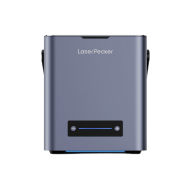
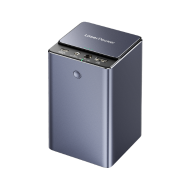
- Dual-laser systems: LaserPecker LP5 or LaserPecker LP4 combine a diode laser and fiber laser, offering flexibility for multiple materials—ideal for EU crafters wanting to tackle both colour engraving and other projects.
- CO₂ lasers: Not recommended—they lack the control needed to interact with metal surfaces for colour effects.
With numerous fibre and diode laser engraver available, some people may wonder What laser is best for engraving metal with colour or What machine engraves colours on metal best?
If you're looking to do colour laser engraving at home or on a small scale, LaserPecker LP5 or LP4 is a great choice. Both models feature a dual-laser system—combining a diode laser and a fibre laser—giving you the flexibility to work with a variety of materials, including stainless steel and titanium. Plus, LaserPecker engravers are portable, user-friendly, and cost-effective, making them ideal for personal or small business use.
Part 2: Which Materials Are Suitable for Colour Laser Engraving?
Colour laser engraving requires materials that can react to heat in a way that creates visible colour changes—typically through oxidation or structural shifts on the surface. Not all materials are suitable, and the best results are usually achieved with certain metals.Can I colour engraving on metal? Let's see:
Best Materials for Colour Laser Engraving
1. Stainless Steel
Stainless steel is one of the most popular materials for colour engraving. When treated with a fiber laser, its surface forms oxide layers that display a wide range of vibrant colours—from blue and purple to gold and green. It offers excellent colour consistency and durability, making it ideal for art, branding, and custom gifts.
2. Titanium
Titanium reacts strongly to laser heat and can produce an impressive spectrum of colours. It's widely used in aerospace, jewelry, and high-end custom goods. Like stainless steel, the colours come from oxide layers formed at different heat levels.
Materials That Don't Work
Aluminium: Tends to reflect light and doesn't produce strong colour effects. It's better suited for deep or black engraving.
Copper and Brass: These metals conduct heat very well but are poor candidates for colour engraving.
In summary, colour laser engraving is best done on metals that can form a stable oxide layer, with stainless steel and titanium being the top choices. For vibrant and lasting results, always use a fiber laser—especially one with MOPA technology—to precisely control the engraving parameters.
🔨 Case Study: Colour Laser Engraving on Stainless Steel (5 Steps)
Items Required:
- Engraving Material: Stainless Steel Sheet
- Engraving Machine: Fibre Laser Engraver (LP5 or LP4)
- Smart Engraving Software: LDS Software or App
Can you do colour laser engraving? Definitely yes! Follow these 5 simple steps to get your personalized crafts with colours.
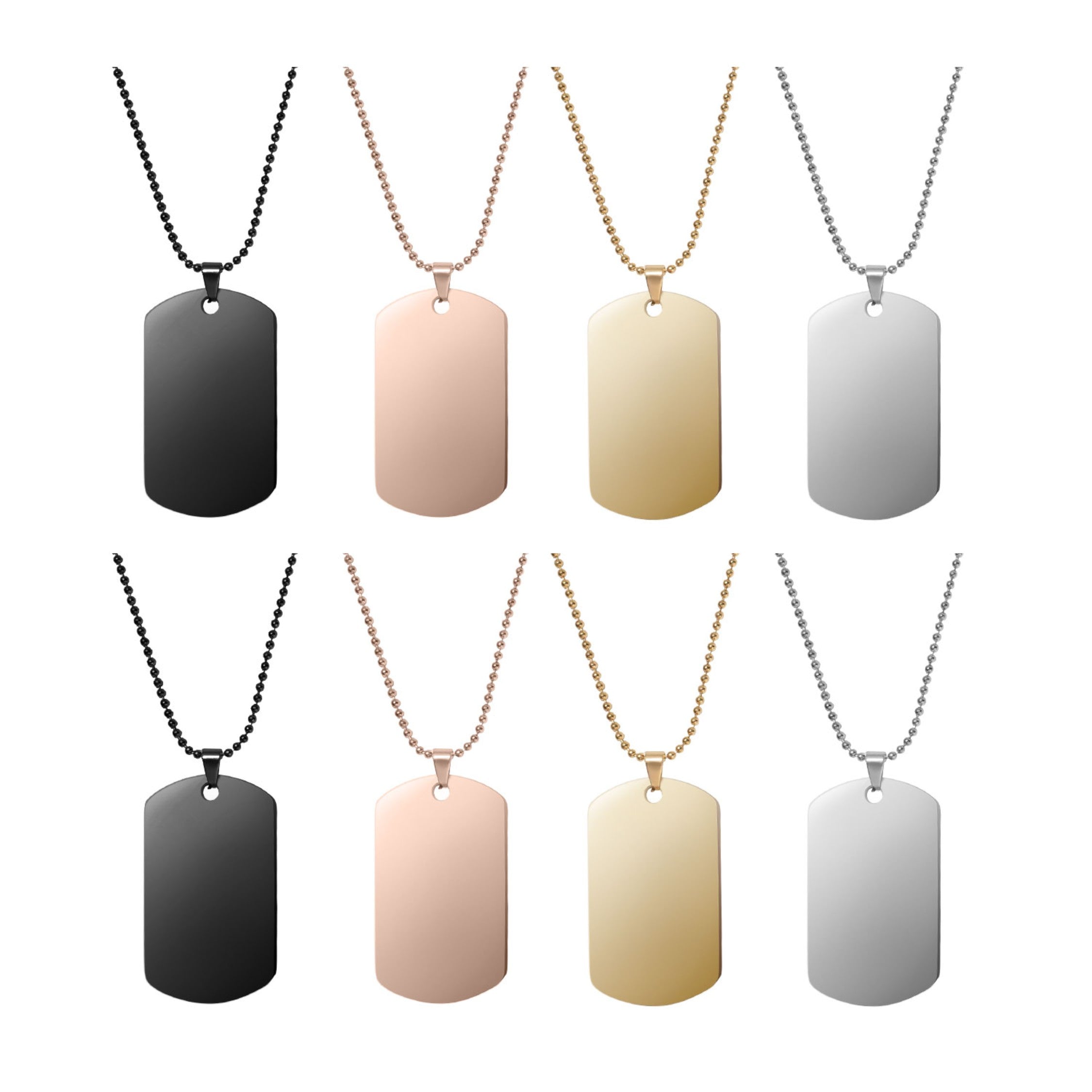
Step 1: Choose the Right Stainless Steel for Colour Engraving
Selecting high-quality stainless steel is key to achieving bright and consistent colours. Use sheets with a smooth, clean, and polished surface for best results. Avoid heavily textured or coated surfaces, as they may interfere with the laser's ability to produce clear colour gradients.
Step 2: Choose the Colour Engraving Machine
Here, we choose LaserPecker LP5, which is a dual-laser and multi-functional laser engraver that excels in colour engraving.
Step 3: Run a Test Engraving to Get a Colour Array on the Stainless Steel Sheet
The Material Test Array is a powerful feature in the LDS software and app. It lets you preview how different colour results will appear on your stainless steel sheet before starting the final engraving.
Here's an example of a tested result using the LP5. To fine-tune the colour outcome or personalise your settings, check out our guide on how to create a Material Test Array for colour engraving.
LP5 Test Results


LP5-1064nm Laser Type - 8K Resolution Test Results
LP5-1064nm Laser Type - 4K Resolution Test Results


LP5-450nm Laser Type - 8K Resolution Test Results
LP5-450nm Laser Type - 4K Resolution Test Results
Step 4: Set up the Colour Laser Engraving Machine
Once you've got your colour array, it's time to adjust the engraving parameters for your colour engraving project.
Firstly
To achieve colour engraving, different areas of the image require different engraving parameters. If the image consists of a single layer, it won't be possible to apply distinct parameters to each area. Before importing the image, it needs to be pre-processed by separating the different coloured areas into separate layers, then saving it as an SVG file before importing it into the LDS software.
Secondly
Import the image into the software, then ungroup the image. By opening the layers panel, you will see that the image has been split into five layers.


Thirdly
Switch to the Engraving layer panel. Based on the recorded colour-to-parameter mapping, click on the corresponding layer to adjust the processing type, laser type, resolution, Frequency, power, and depth parameters.


Finally
After setting the parameters for all layers, group the layers, adjust the image size, and center the image.

Step 5: Start Your Colour Laser Engraving Now
Place the engraving material on the cutting plate, preview the engraving, and then start the engraving process. Below is the result of the engraving.

Colour Engraving Tips:
- For best results, use silver-coloured stainless steel or titanium for colour engraving. Different materials like mirror, brushed texture stainless steel will produce different effects.
- The change of colours is determined by many variables, including air humidity, temperature, the attenuation level of the Laser Unit, and the Laser Unit's focal length. Make sure your work surface and Laser Unit are level. This helps prevent uneven colour distribution.
- Use the LDS App for colour engraving, as the PC version currently does not support setting parameters for individual layers.
- Clean the stainless steel surface before engraving. Avoid oil, fingerprints, or dust — any contamination can seriously affect the oxide layer formation.
- Try experimenting with different focal distances and resolutions. Using different laser frequencies when selecting the 1064nm laser type, and adjusting the test array parameters to get more vibrant colour blocks.
Conclusion
Colour laser engraving may sound advanced, but with the right tools and knowledge, it's absolutely beginner-friendly. By understanding how colours form through laser interactions with metal, and choosing the right machine—like a fiber laser—you can unlock a whole new level of creative potential.
Ready to experiment with bold colour effects on stainless steel or titanium? With the tips and steps in this guide, you're fully equipped to begin your colour engraving journey with confidence.





