









































You've just bought a new pair of AirPods—sleek, compact, and packed with smart features. But why keep them standard when you can make them uniquely yours?
AirPods laser engraving allows you to add names, logos, patterns, or meaningful messages directly onto the AirPods case. Whether you're customising them for personal use, creating a thoughtful gift, or adding a branded touch, laser engraving offers a precise and lasting way to personalise your AirPods after purchase.
For users in the EU, this is especially popular among DIY enthusiasts and small business owners who want to create customised tech accessories without relying on factory engraving services.

In this article:
- Part 1: Overview of AirPods Laser Engraving
- 1.1 What is AirPods Laser Engraving?
- 1.2 How Does Laser Engraving Work on AirPods?
- 1.3 What Engraving Machine Do You Need for AirPods?
- Part 2: Why Use a Laser for AirPods Engraving?
- Case Study: How to Get Laser-Engraved AirPods in 5 Steps 💡
- Part 4: Safety & Tips for AirPods Engraving
- Part 5: FAQs Hot Questions about AirPods Laser Engraving
Part 1: The Overview of AirPods Laser Engraving
1.1 What is AirPods Laser Engraving?
AirPods laser engraving is the process of using a precision laser beam to add text, logos, or custom designs directly onto the AirPods case (Apple also offers this option when purchasing a new device).
This method creates a permanent and professional finish, making your AirPods stand out. It's ideal for personalising your device, creating memorable gifts, or even adding branding for business use.
For users in the EU, laser engraving is a popular way to customise everyday tech accessories without relying solely on manufacturer services.

1.2 How Does Laser Engraving Work on AirPods?
Laser engraving works by directing a highly focused laser beam onto the smooth surface of the AirPods case. The laser removes an extremely thin layer of material to form the design, without affecting the internal components.
Because it is a non-contact process, there is no physical pressure applied, which helps avoid scratches or dents. With precise control, even small text or intricate patterns can be engraved clearly, resulting in a clean and durable finish.
1.3 What Engraving Machine Do You Need to Engrave AirPods?
To engrave AirPods safely and effectively, you'll need a desktop laser engraver capable of marking plastic or metal surfaces, depending on your AirPods model.
When choosing a machine, focus on the following features:
- High precision: essential for handling the small size and fine details of AirPods
- Non-contact engraving: prevents surface damage such as scratches
- User-friendly software: makes it easy to upload and adjust your designs
- Safety features: such as protective enclosures and proper ventilation, as fumes may be generated during engraving
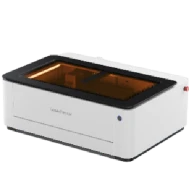
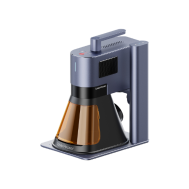
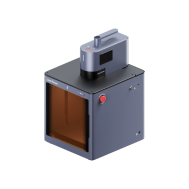
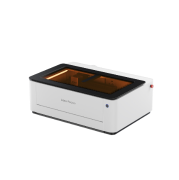
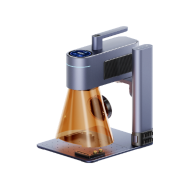
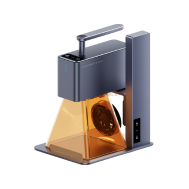
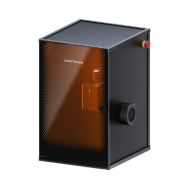
For home users or small-scale projects in the EU, 1064 nm laser engravers like the LP5, LP4, or LP3 are practical options. They are easy to use, cost-effective, and well-suited for customising small electronic accessories.

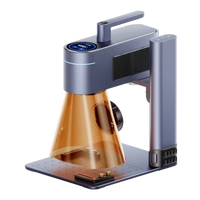
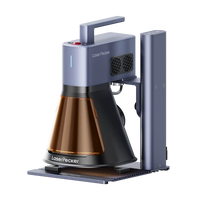
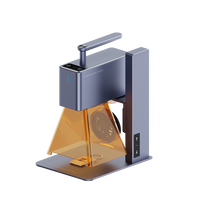
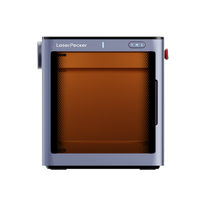
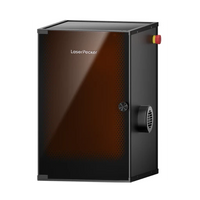
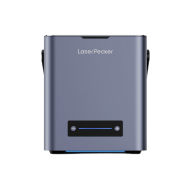
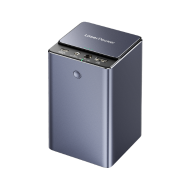
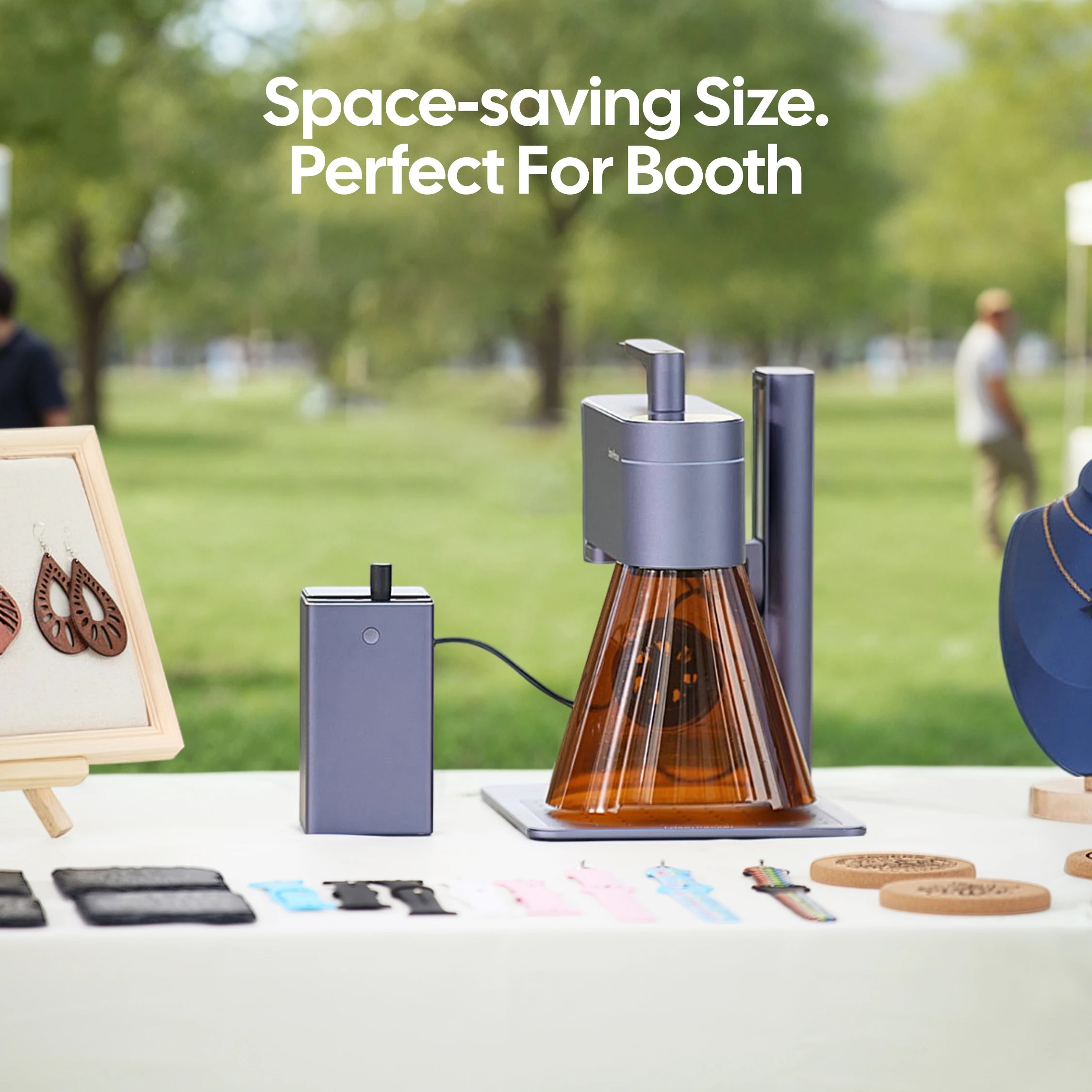
Recommended Laser Engraver for AirPods Engraving: LaserPecker LP4
The LaserPecker LP4 is a compact dual-laser engraver designed for personalizing AirPods, charging cases, smartphones, tablets, jewelry, and other premium everyday accessories.
-
2W Infrared Laser for Plastic and Metal Cases
The 2W infrared laser is optimized for engraving many AirPods charging case materials, including plastic and anodized aluminum, producing crisp and permanent markings. -
High Precision for Small Personalized Designs
The LP4 accurately engraves names, initials, logos, QR codes, and intricate artwork, making it ideal for the compact surface of AirPods cases. -
4,000 mm/s High-Speed Engraving
The high-speed galvo system enables fast customization, making it perfect for personalized gifts, promotional products, and small-batch production.
Part 2: Why Use a Laser for AirPods Engraving?
Laser engraving is one of the most effective ways to personalise AirPods, offering a level of precision, durability, and flexibility that other methods simply can't match. Here's what makes it stand out:
① Permanent Results
Laser engraving creates a permanent mark directly on the AirPods case. The finish appears clean, professional, and resistant to fading over time, making it ideal for long-term use.
② High Precision for Compact Devices
AirPods are small and require accurate detailing. Laser engraving allows for:
- Fine text, such as names or initials
- Intricate logos and detailed graphics
- Consistent clarity, even on limited surface areas
This makes it suitable for both personal customisation and professional branding projects.
③ Safe and Non-Contact Process
The engraving is performed using a controlled laser beam, meaning there is no physical contact with the surface. This helps to:
- Prevent scratches or dents
- Maintain the original structure of the case
- Ensure the device remains fully functional
④ Fast and Easy to Customise
With a suitable desktop laser engraver, most AirPods cases can be engraved in just a few minutes. The process is straightforward:
- Upload your design, text, or logo
- Adjust the size and positioning
- Start engraving with minimal manual effort
For users in the EU, this speed and simplicity make laser engraving especially appealing for small businesses, Etsy sellers, and DIY creators producing customised accessories at scale.
Case Study: How to Get Laser-Engraved AirPods in 5 Steps 💡
Preparation Checklist for Laser Engraving AirPods:
- Engraving material: AirPods
- Engraving machine: Diode laser engraver
- Engraving design: Name, logo, images, patterns, etc.
Can you engrave AirPods? Absolutely. The process is straightforward and beginner-friendly.
So, how long does it take? With the right setup, you can complete the entire engraving process within a few hours. Follow these five simple steps to get started:
Step 1: Prepare Your Design
Begin with the artwork, logo, or text you want to engrave. Vector files (such as SVG or AI) are recommended for the cleanest results, although most software also supports images and text.
For best results:
- Use high-contrast designs
- Avoid overly thin lines where possible
- Ensure the layout fits the small surface area
Step 2: Choose the Right Laser Engraver for AirPods
Selecting the right machine is essential for achieving precise and consistent results.
A model like LaserPecker 4 (LP4), equipped with a 10W 450 nm diode laser and a 2W 1064 nm infrared laser, offers strong performance for engraving small items such as AirPods, with speeds of up to 4,000 mm/s.
For users in the EU, compact desktop engravers are particularly popular for home workshops and small-scale customisation businesses due to their ease of use and plug-and-play setup.
Step 3: Position and Secure the AirPods
Carefully place the AirPods case into the engraving area, ensuring proper alignment.
- Use tape or a jig if needed to prevent movement
- Double-check positioning before engraving
- Ensure the design aligns exactly with your intended area
Accurate positioning is key to achieving a professional finish.
Step 4: Set Up the Laser Engraving Machine
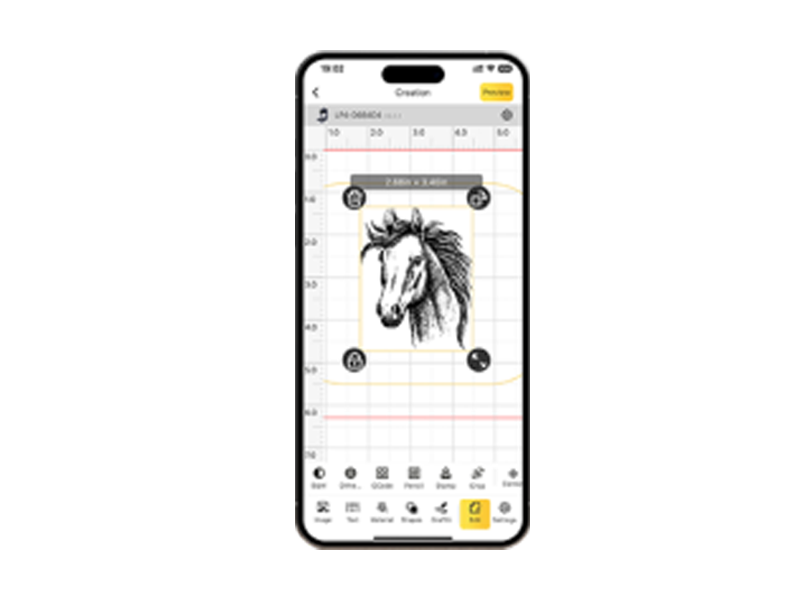
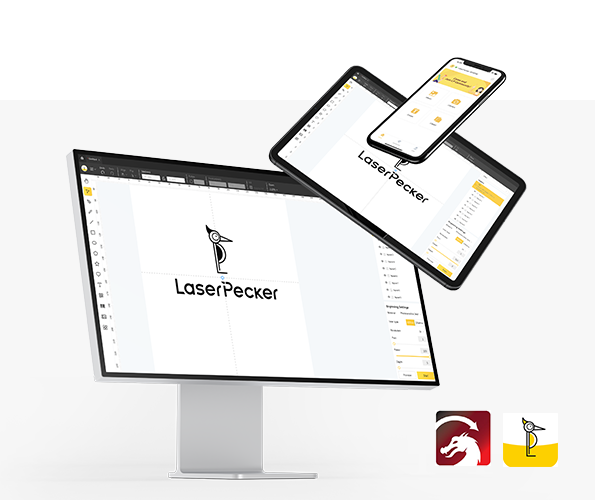
Use LaserPecker graphic design app/software or third-party tools (such as Photoshop) to create or import your design.
- Power on the engraver and connect it via Wi-Fi, USB, or Bluetooth
- Open the LaserPecker CraftZone and upload your file (JPG, PNG, SVG, G-code, etc.)
- Place the AirPods in the working area and activate preview mode
- Adjust the design size and position to fit the case

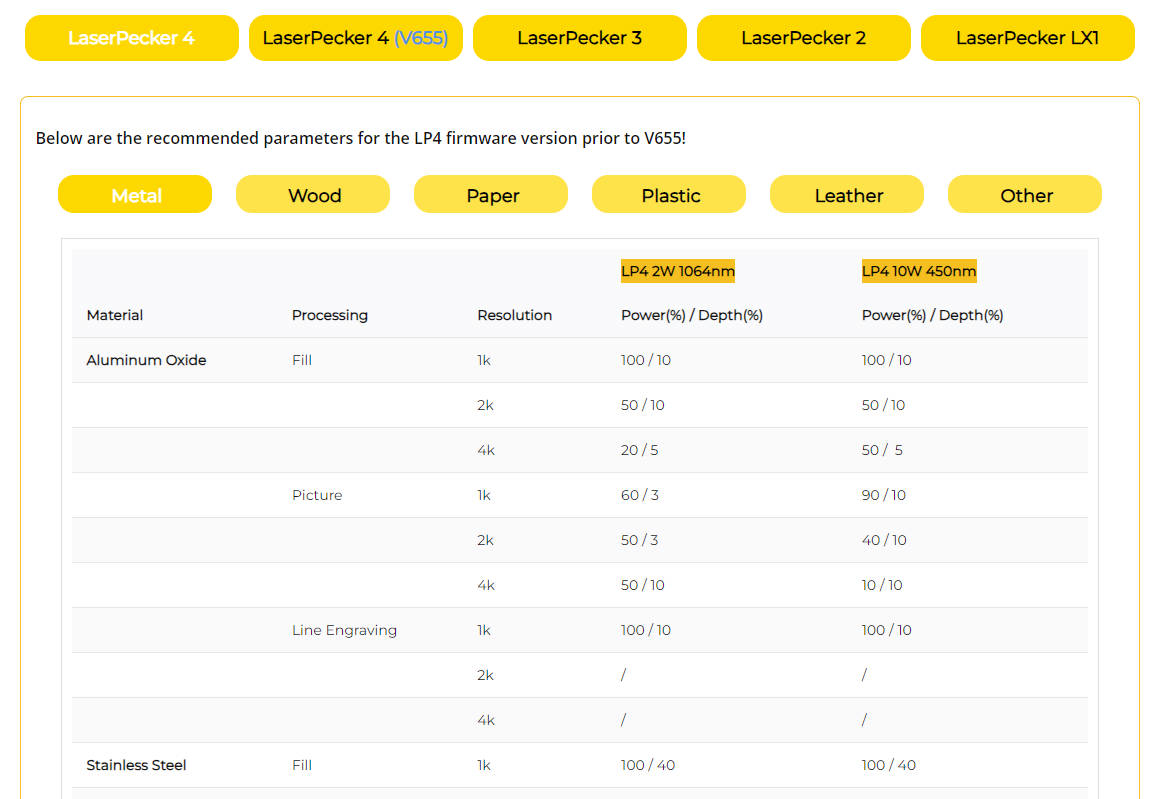
- Set engraving parameters such as power, speed, and resolution
Recommended settings (example for LP5):
- Laser type: 2W 1064 nm IR laser
- Resolution: 2K
- Power: 100%
- Depth: 8%
- Passes: 1
Safety tips:
- Always wear protective goggles or use a safety enclosure
- Ensure proper ventilation, as fumes may be produced
- Consider using an air purifier for indoor environments
Step 5: Start Engraving Your AirPods
Before starting, double-check all settings and positioning to avoid errors.
Once ready:
- Start the engraving process
- Monitor the operation to ensure stability
- Allow the laser to complete the design
After engraving:
- Gently clean the surface with a soft cloth
- Inspect the result for clarity and consistency
Your AirPods are now fully personalised and ready to use.

Part 4: Safety & Tips for AirPods Engraving
Laser engraving AirPods is safe when carried out correctly. However, as these are small and delicate devices, following a few essential precautions will help you achieve the best results without causing damage.
1. Protect Your AirPods
Always focus on engraving the outer case only.
- Do not engrave the earbuds or charging ports
- Preview your design placement before starting
- Ensure the engraving area is clean and properly aligned
2. Use the Correct Machine Settings
Proper settings are key to avoiding damage and achieving a clean finish.
- Select presets suitable for plastic surfaces
- Avoid excessive power, which may burn or deform the case
- Test on a similar material if you are unsure about the settings
3. Practical Tips for the Best Results
A few simple adjustments can significantly improve engraving quality:
- Choose high-contrast designs for better visibility
- Keep designs within safe engraving zones (avoid the Apple logo, buttons, and ports)
- Maintain a consistent setup when engraving multiple cases to ensure uniform results
For users in the EU working from home or small workshops, maintaining a stable setup and proper ventilation is especially important for both safety and consistent output.
Part 5: FAQs Hot Questions about AirPods Laser Engraving
Q1. Can you laser engrave AirPods after purchase in the EU?
Yes, you can engrave AirPods after purchase using a desktop laser engraver. Many EU users choose this option to personalise their devices beyond the standard engraving offered at checkout.
Q2. Will laser engraving damage my AirPods case?
No, as long as the correct settings are used. Laser engraving only removes a thin surface layer and does not affect the internal components when done properly.
Q3. What material are AirPods cases made of for engraving?
Most AirPods cases are made from high-quality plastic (polycarbonate), which can be engraved effectively with a diode or infrared laser.
Q4. How long does it take to engrave AirPods?
In most cases, engraving takes just a few minutes per case. Including setup and design preparation, the full process can be completed within a few hours.
Q5. What is the best laser engraver for AirPods in the EU?
Compact desktop 1064 nm laser engravers, such as LP3, LP4, or LP5, are popular choices due to their precision, ease of use, and suitability for home workshops or small businesses.
Q6. Is laser engraving better than printing for AirPods customisation?
Yes, laser engraving is more durable than printing. It creates a permanent mark that won't fade, peel, or wear off over time.
Conclusion
Laser engraving transforms your AirPods from a standard device into a personalised and stylish accessory. Whether it's intricate logos or simple initials, a precision laser can engrave your design cleanly and permanently onto the AirPods case.
By following the correct steps, choosing the right equipment, and prioritising safety, you can achieve professional-quality results with ease.
For users in the EU, this makes AirPods laser engraving a practical option for both personal use and small-scale customisation projects.
Whether you're creating something for yourself or preparing a thoughtful gift, laser engraving ensures your AirPods are truly unique from day one.