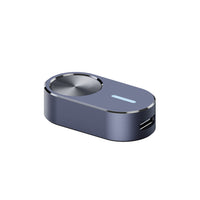










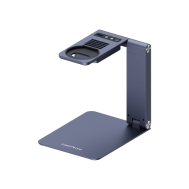












Batch Engraving Button for LaserPecker 2 & LaserPecker 3
Pulsante per incisione in serie LaserPecker

Salva 30%

Pulsante per incisione in serie LaserPecker

€34,99

49,99€

-15,00€

Prezzo IVA inclusa

+17
Semi per i membri di LaserPecker

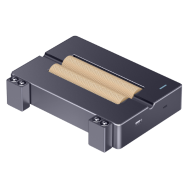
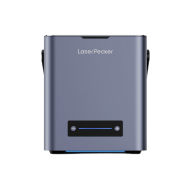
Pulsante per l'incisione in batch LaserPecker – Semplifica le attività ripetitive
La produzione in serie diventa semplice. Il pulsante per l'incisione in batch consente di incidere design identici con un solo clic, eliminando i passaggi di configurazione ripetitivi e aumentando l'efficienza del flusso di lavoro.
Caratteristiche principali
· Incisione in batch con un clic – Non è necessaria alcuna configurazione nell'app
· Ripetizione senza interruzioni – Perfetto per le attività di produzione in serie
· Plug & Play – Basta collegarlo tramite USB e premere per iniziare
· Piccolo e leggero – Facile da trasportare e riporre
Ideale per
· Incisione di grandi quantità dello stesso design
· Elaborazione in batch per laboratori e aziende
· Semplifica le attività ripetitive senza dover usare l'app
Specifiche
Materiale: lega di alluminio
Dimensioni: 41 × 21 × 10 mm
Peso: 0,02 kg
Colore: grigio
Modelli di macchine compatibili
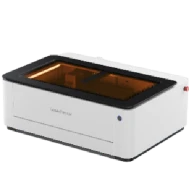
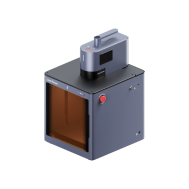
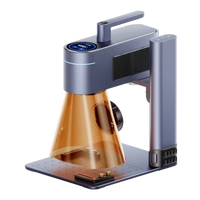
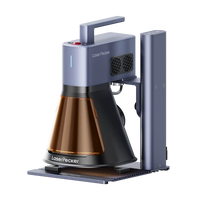
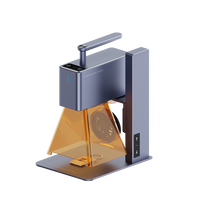
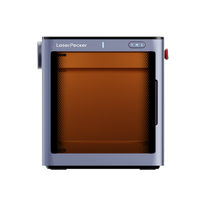
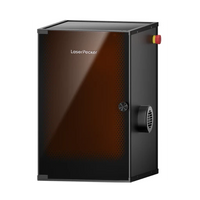
LP2, LP3, LP4, LP5, LP5 Safetyguard
Hai domande su questo prodotto? Il nostro team di assistenza è QUI per aiutarti!

Product Image

49,99€ 34,99€

Quantità

-

+

Acquista ora

Shipping

Spedizione gratuita per ordini superiori a 59 €

Price Guarantee

Garanzia del prezzo per 7 giorni

Customer Service

Servizio clienti 24 ore su 24

Checkout sicuro e protetto

PayPalMasterCardMaestroVisaKlarnaAmerican ExpressDiners Club nternationalDiscoverJCB

Potrebbero piacerti anche


Batch Engraving Button

One Click. Endless Engraving.

Consistent Quality

Mass production with just one click

One Button, Countless Engravings

Say goodbye to tedious, repetitive tasks—our Batch Engraving Button delivers consistent results for mass production projects with just one press.

Batch engravingBatch engraving

Quick Start in 3 Steps

Step 1: ConnectStep 1: Connect your device.

Step 1: Connect your device.

Step 2: Activate the button in appStep 2: Activate the button in app

Step 2: Enable the Batch Engraving Button.

Step 3: EngraveStep 3: Engrave

Step 3: Press and hold the button to repeat the last engraving.

Watch Official Tutorial Video
Batch Engraving Button

Support >>

Control The Engraving Process

容器 15@2x.png__PID:e931132f-920e-4b78-84b6-72431357f368
GIF@2x.png__PID:0ee93113-2f92-4eab-b884-b672431357f3

LaserPecker Machine Compatibility

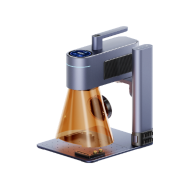
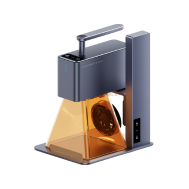
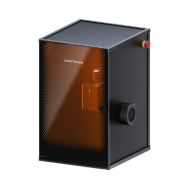
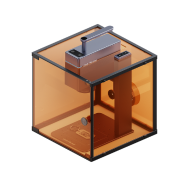
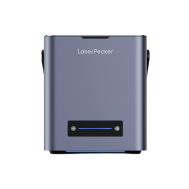
Compatible with LP2, LP3, LP4, LP5 and the LX series LaserPecker devices — all operable with a single remote control.

LaserPecker Batch Engraving Button CompatibilityLaserPecker Batch Engraving Button Compatibility